Geodesix
Geodesix README
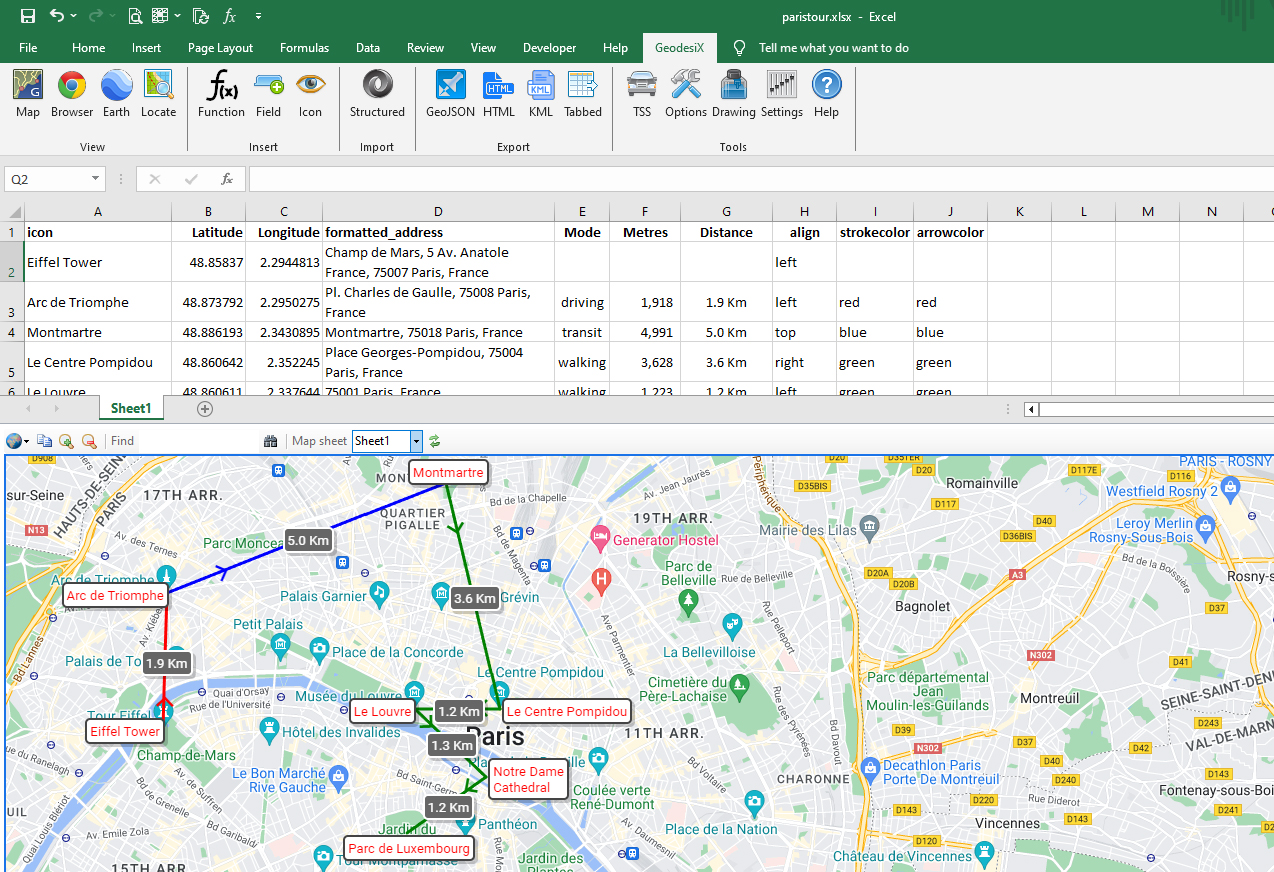
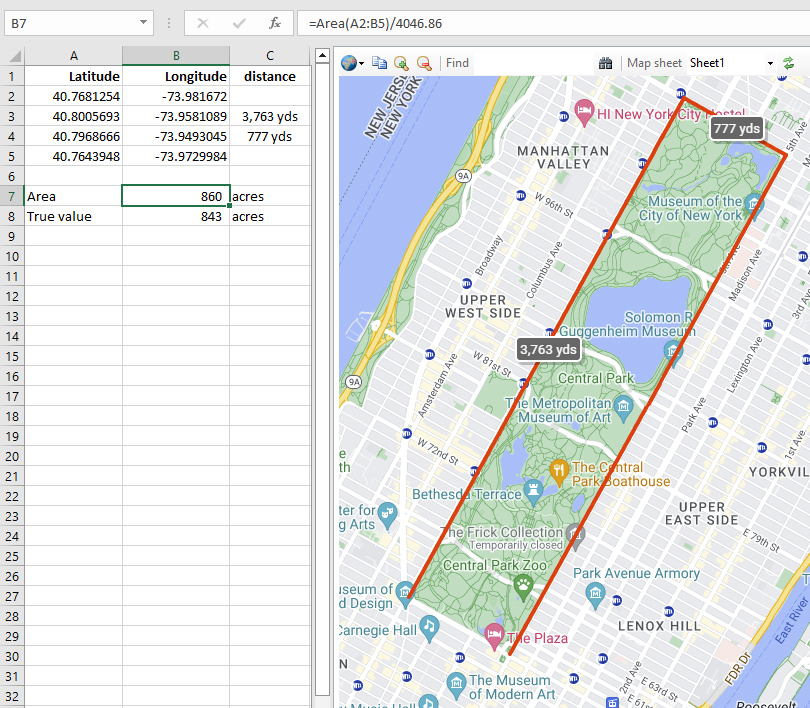
Geodesix is an add-in to display Google Maps in Excel:
Applications
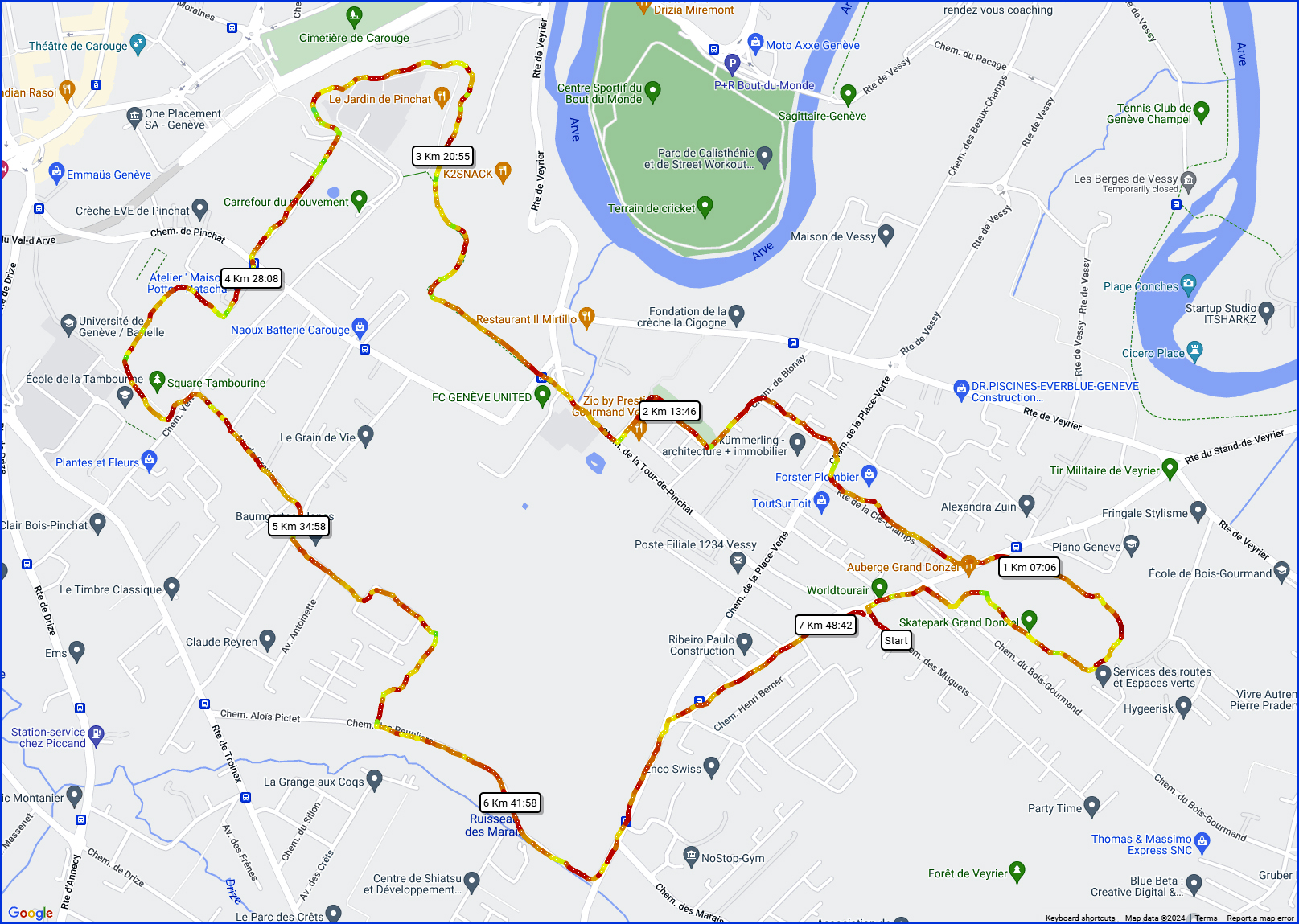
- Exports from fitness applications sample
- Forensics, to plot movements of mobile phones with cellular triangulation from CDR records
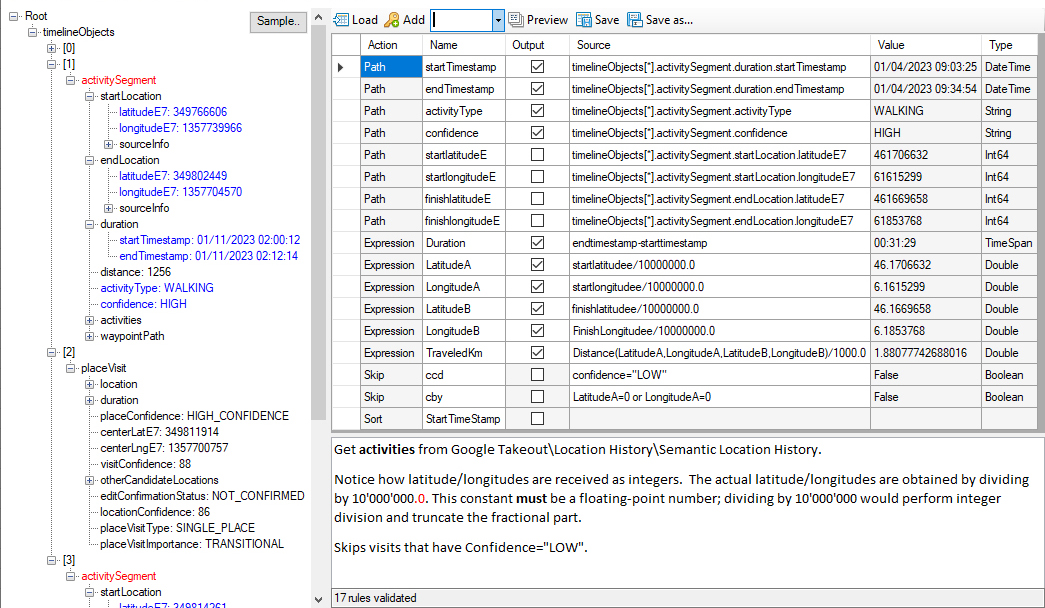
- Google Takeout History sample
- Route/trip planning and analysis sample
- Surveying sample
- Topical maps of offices, natural phenomena, … sample
Features
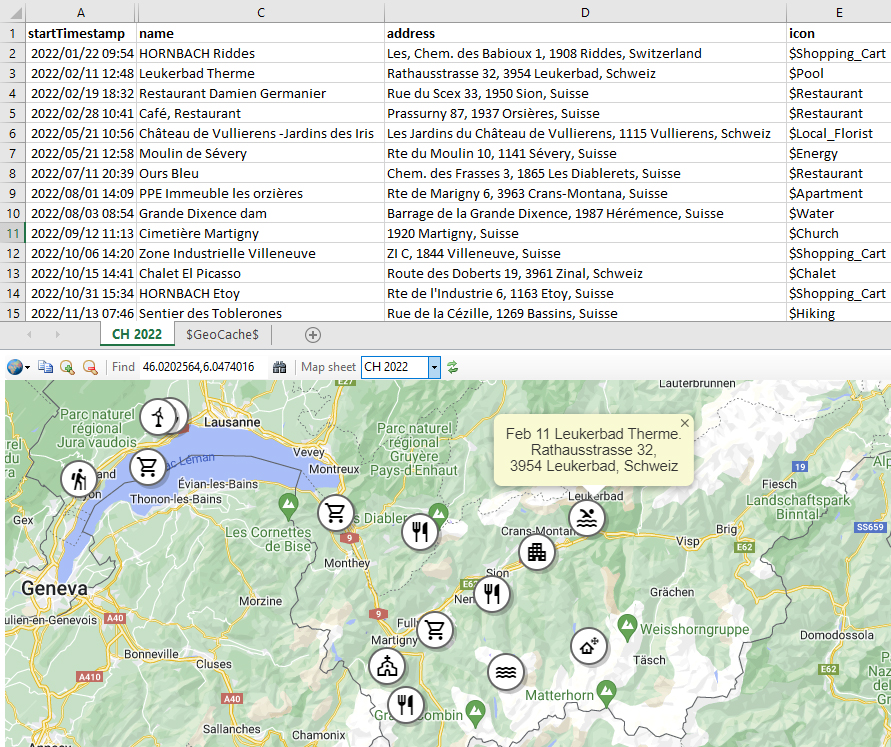
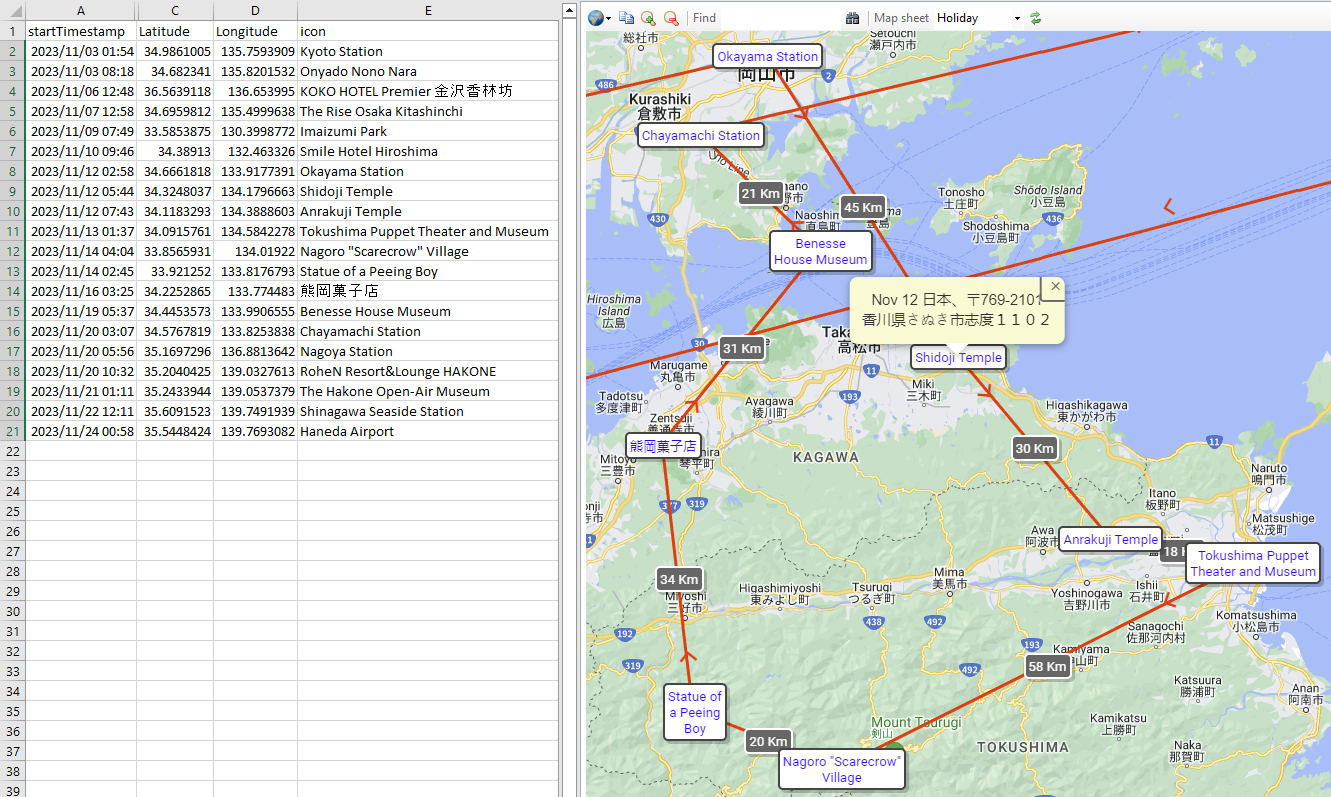
- Draws maps automatically for any worksheet with Latitude and Longitude columns.
- Icons, markers, lines, distances, popups and legends can be individually formatted.
- Maps can be exported as self-contained HTML files suitable for sharing sample.
- Imports structured data in JSON or XML formats with a generic parser for any data structure. Ready-built parsers for GeoJSON, GPX, TCX & Google Takeout.
- Exports to HTML, GeoJSON, KML (Google Earth) and tabbed-without-quotes
- Travelling Salesman Solver: Given a list of places, what is the shortest possible route that visits each place exactly once?
- Example workbooks, demonstrating all the functionalities. Comprehensive Help
- Complete VBA interface.
-
Extensive library of Excel functions for geodesics:
Area Calculate the area of a polygon
Azimuth Calculate the initial and final bearing from one point to another
Color Formats a hexadecimal Color from the ARGB components
Displace Gets a point at a bearing and distance from another point
Distance Calculate the distance in metres between 2 latitude/longitude pairs, as the crow flies
DMS Convert Degrees-Minutes-Seconds to decimal degrees
Draw Draw circles/lines/markers on the map
Formulae Get the formula of a cell, showing the values
Geocode Get Geodesic information about a place
Geodesix User interface and VBA drawing functions
GeoReverse Performs a reverse geocode
Heat Gets the ‘temperature’ of a value in the range ‘min’ to ‘max’. The Color ranges from purple (cold) to red (hot)
JavaScript Execute a JavaScript function in the map pane
Pluscode Translate latitude & longitude to/from Pluscodes
Regex Extracts strings using regular expressions
TimeOffset Gets the time offset from UTC from a latitude/longitude
TimeZone Gets the time zone from UTC from a latitude/longitude
Travel Estimates distance or duration to travel from one place to another; walking, cycling, driving or transit
Getting started
Geodesix uses Google Maps to get geographical information. This requires an API key. Obtaining a key from Google is free and it takes a couple of minutes. Instructions.
Download and install the latest version of GeodesixInstaller.msi from the Releases page
At the end of the installation Excel will start and you will be prompted for the API key.
License
Open Source, GPLv3